

Collaborative accounting
AccountsIQ enables finance and non-finance teams to work together securely in one connected cloud platform.


Faster, smoother collaboration

Share insights across your entities
Group-level reporting
Pull together budgets, revised budgets, actuals and variances from all of your entities and subsidiaries to provide an overview of performance and trends across the group, at any time. Conduct BI analysis to enhance your GL Chart of accounts, delivering management-ready reports and dashboards whenever you need them.

Take a quick tour
A quick video guide showcasing core features of AccountsIQ
FAQs
How can finance and non-finance users collaborate?

With Role-Based Access Controls (RBAC), non-finance users can see only the insights they need. Real-time reporting on the cloud ensures everyone is working with one version of the truth. No more variations and outdated spreadsheets.
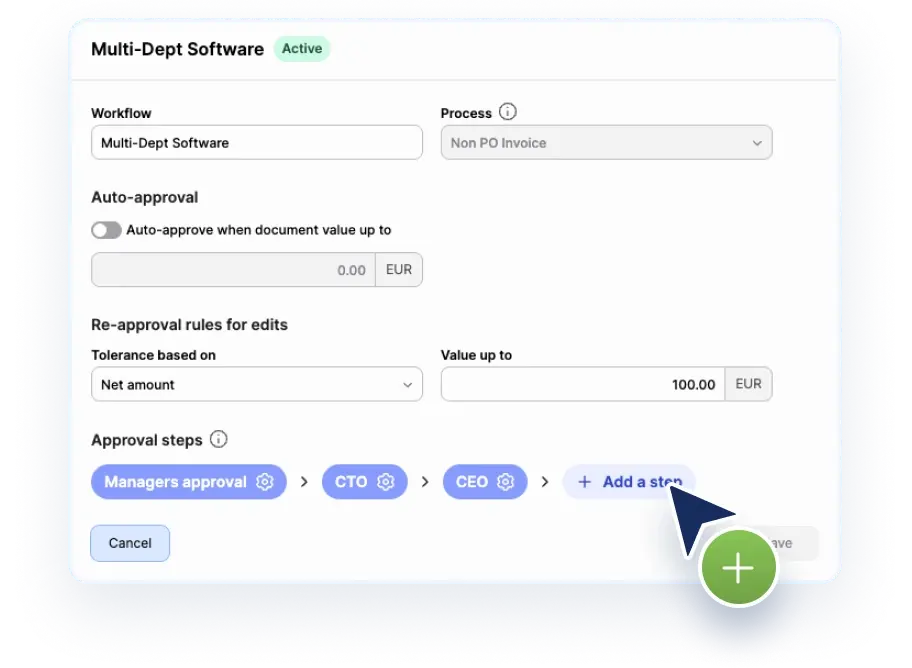
Cloud access and workflows let teams collaborate on submitting expenses, raising POs and approve items remotely.
Can you pull group-level budgets across entities?
Yes. Utilising AccountsIQ consolidation features, you can pull together budgets, revised budgets, actuals and variances from all entities and subsidiaries and view these at group level to track performance and trends.
Can you approve transactions in AccountsIQ on mobile?
Yes. As AccountsIQ is a cloud-based platform, you can indeed approve transactions ‘on the go’. With mobile-friendly screens, approvers do not need to be at their desks to approve transactions.
How do role-based permissions work?
AccountsIQ uses Role-Based Access Controls (RBAC). You can provide granular access flags at user-profile level for every feature and are generally built around job roles.
Changes in access levels are also logged for audit and security purposes.
Can users access AccountsIQ remotely?
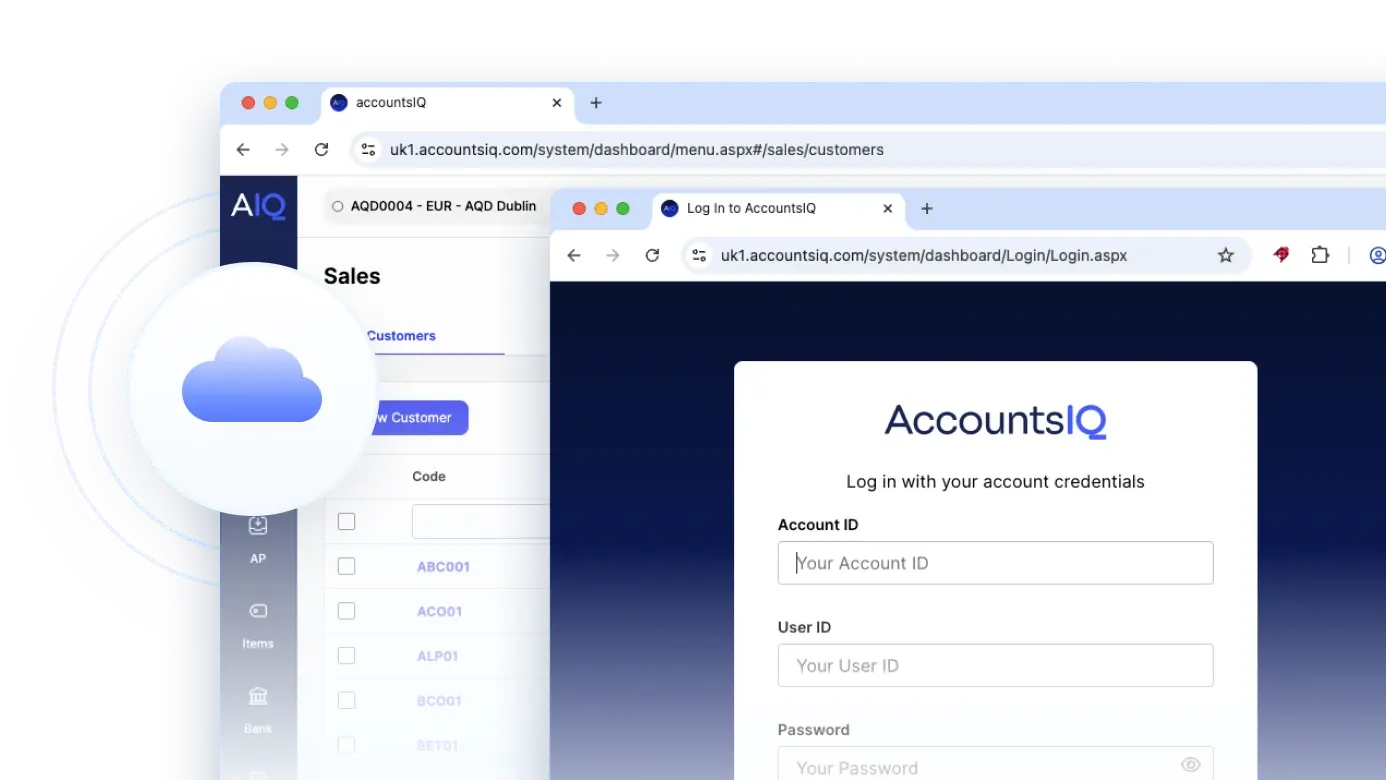
Yes. AccountsIQ is a true cloud, browser-based platform. Therefore, you can access it securely from anywhere with an internet connection, as well as collaborate across entities and locations in real time