

Automated accounts receivable
Access our comprehensive Customer Ledger with automation for billing, collections and reconciliation. Manage your cashflow efficiently and maintain clear visibility across all entities.


.webp)
Making AR management simple

.webp)

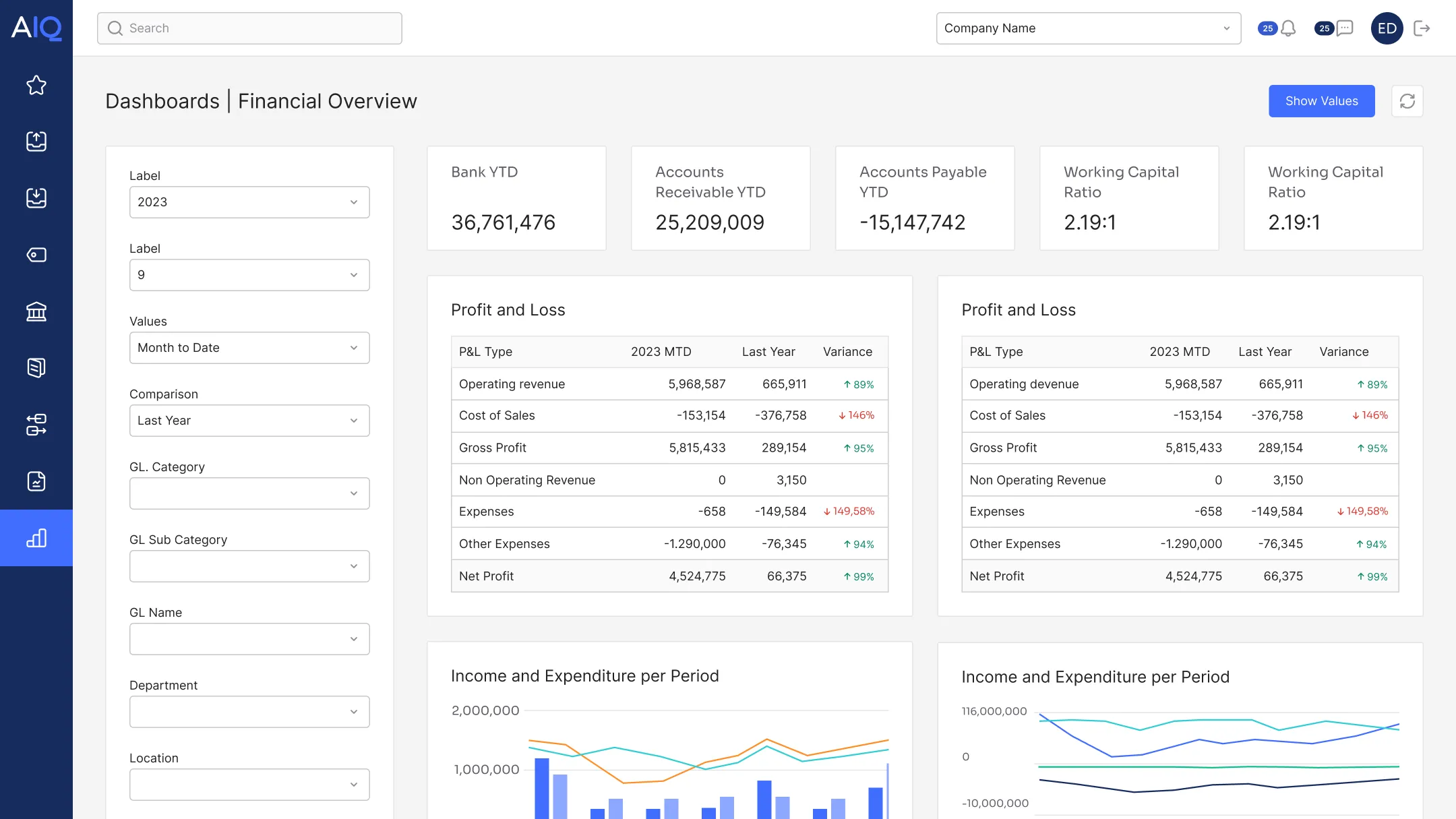
Choose AccountsIQ for AR management
What our customers say
"The revaluation reserve provides traceability and accountability that gives me great confidence in the accuracy of the data."
Joanna Coomey,
Head of Finance,
GoCarma

Take a quick tour
A quick video guide showcasing core features of AccountsIQ
FAQs
Can you view a full customer AR ledger in AccountsIQ?

Yes. Since AR is a core module, AccountsIQ provides visibility of payments due, customer balances, and allocations. You can drill down from a customer summary to the transaction level using the GL structure to review each customer’s full AR activity for credit control.
Can you export AR reports for month-end?
Yes. AccountsIQ includes AR reporting as part of its core financials and BI layer, including AR and aged debt reports that you can use for month-end. You can export these reports for further analysis or for inclusion in management packs.
Can you track AR KPIs in AccountsIQ?
Yes. You can track AR performance and KPIs using AR reports and dashboards to monitor aged debt, DSO, and cash collection trends. If you need more granular analysis, you can tag transactions by up to six dimensions. AccountsIQ can also integrate with Chaser to automate invoice chasing.
Can AccountsIQ help reduce manual errors in invoicing?
Yes. AccountsIQ reduces manual invoicing errors by automating data entry and limiting spreadsheet-based handling. It can automate data entry via integrations such as CRM, billing, expense tools, and bank feeds. It also uses workflows and approvals so invoices follow consistent, controlled processes, which helps reduce errors that typically creep in during manual uploads and spreadsheet handling.