


But for many growing finance teams, that’s exactly where spreadsheet-led planning ends up. Add multiple entities, currencies, departments, and rising transaction volumes, and the forecast becomes harder to update, defend, and use.
Financial forecasting software gives finance a more structured way to turn actuals, assumptions, and business plans into a forward view of performance.
This guide is for UK finance teams, FDs, FCs, FP&A leads, and accountants comparing forecasting tools. You’ll learn what matters, which tool types suit which teams, and how to choose software that fits the way your finance function actually works.
What is financial forecasting software?
Financial forecasting software helps finance teams predict future financial performance using historical data, current actuals, and planning assumptions. It gives the business a clearer view of what’s likely to happen next across revenue, costs, profit, cash flow, and wider financial statements.
You may also see it described as FP&A software, financial planning and analysis software, CPM, EPM, or FPM software. The labels vary, but the aim is similar: better planning, forecasting, analysis, and reporting.
Financial forecasting software vs. spreadsheets
Spreadsheets are useful. They’re flexible, familiar, and still valuable for quick modelling.
The problem comes when spreadsheets become the entire forecasting process.
As a business grows, finance teams can quickly end up managing different versions, broken formulas, hidden assumptions, and forecasts that are out of date as soon as actuals change. It also becomes harder to see who changed what, when, and why.
Financial forecasting software gives teams a more controlled way to manage forecasts. It helps finance work from consistent data, update assumptions more easily, compare forecasts against actuals, and keep a clearer record of changes.
It doesn’t make forecasting perfect. But it can make the process easier to manage, explain, and trust.
Forecasting software vs. budgeting software vs. FP&A tools
- A budget is the plan. It sets the target for a period.
- A forecast is the updated expectation. It changes as actual results and assumptions change.
- FP&A is the wider discipline. It covers budgeting, forecasting, scenario planning, variance analysis, and reporting.
That’s why many teams look for budgeting and forecasting software: they need to set the plan, then keep adjusting it as reality changes.
The budget shows what the business intended to do. The forecast shows what’s now likely to happen.
Why financial forecasting matters for a growing business
Growth makes the margin for error smaller.
When a business is hiring, expanding, raising funding, investing in new systems, or managing multiple entities, finance is helping leadership decide what the business can afford to do next.
That’s why forecasting matters. It gives finance a structured way to test decisions before spending, headcount, and board confidence are committed.
And forecasting research backs up the value of using more than one view of the future. A 50-year review of forecast combinations found that combining forecasts is widely used to improve accuracy by drawing on information from different sources, rather than relying on a single “best” forecast.
For growing businesses, that means finance teams can:
- Test hiring, capex, and expansion decisions before committing spend,
- Explain key assumptions to lenders, investors, and the board,
- Reforecast when trading conditions shift, and
- Spot pressure on cash, margin, or capacity early enough to act.
The goal is to make better calls before small variances become expensive ones.
Types of financial forecasting, and the methods behind the tools
Different forecasting methods suit different decisions. A mature finance team will usually use a mix, rather than treating one model as the answer.
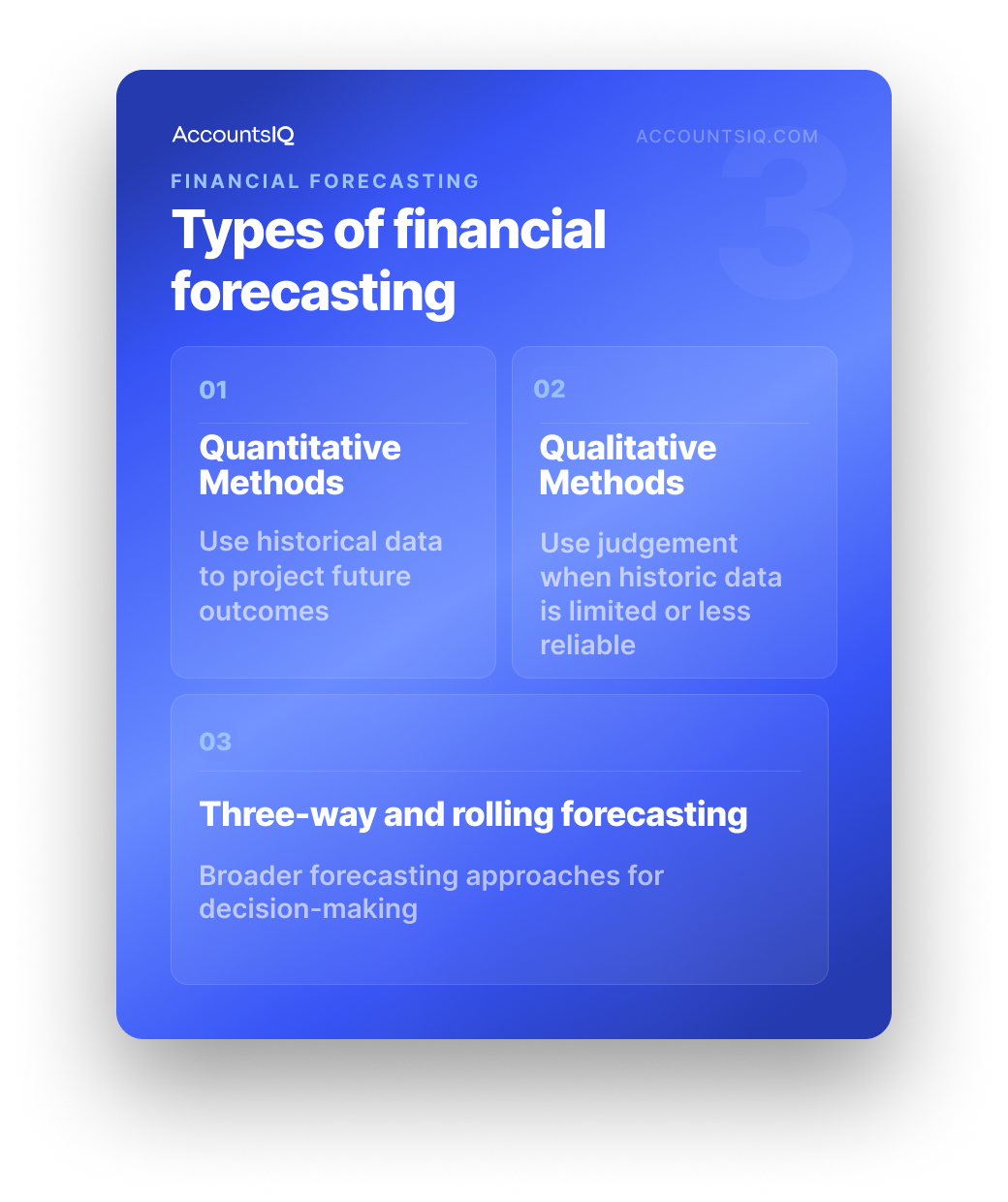
Quantitative methods
Quantitative forecasting uses numbers from past performance to project future outcomes.
Qualitative methods
Qualitative forecasting uses judgement where historic data is limited, incomplete, or unlikely to tell the full story.
These methods are especially useful for startups, new markets, new products, or major changes where last year’s numbers are a weak guide.
Three-way, or integrated, forecasting
Three-way forecasting links the profit and loss account, balance sheet, and cash flow statement so changes in one area flow through the full financial picture.
For example, a revenue increase may improve profit, but it can still create cash pressure if debtor days rise.
This matters for mid-market and multi-entity groups because profit alone rarely tells the full story. Finance needs to understand how trading performance, working capital, debt, capex, and funding decisions affect liquidity, not just the P&L.
Rolling forecasts vs. static annual budgets
A static annual budget gives the business a fixed baseline for the year. A rolling forecast keeps extending the view forward, often by 12, 18, or 24 months.
That rolling view is useful when conditions change quickly. Instead of waiting for the next budget cycle, finance can refresh assumptions regularly and keep leadership focused on the next decision, not last quarter’s plan.
The core features to look for in financial forecasting software
The best financial forecasting tool for your business depends on your structure, reporting needs, and level of finance complexity. Most growing teams should look for these core capabilities.
A useful way to assess financial forecasting tools is to ask: Does this help us make the forecast easier to update, easier to challenge, and easier to explain?
If the answer is no, it may just be another planning layer for finance to manage.
Types of financial forecasting tools, and which one suits each
There isn’t one best financial forecasting software for every business.
The right choice depends on how complex your finance setup is, how close forecasting needs to sit to your accounting data, and how much modelling depth your team needs.
SMB and accountant-led forecasting tools
Examples: Float, Futrli, and similar tools.
These tools suit simpler finance setups where speed matters more than depth.
They’re often useful for accountant-led advisory work, or for smaller businesses that want a quick forward view from systems such as Xero or QuickBooks.
- Best when: you need something simple and visual.
- Less ideal when: reporting, entities, currencies, or controls are becoming more complex.
Standalone FP&A platforms
Examples: Cube, Pigment, Workday Adaptive Planning, Vena, and Prophix.
Standalone FP&A platforms are built for detailed planning work. They can suit larger teams with dedicated FP&A people, multiple department owners, and more advanced modelling needs.
- Best when: FP&A is a distinct function with complex planning requirements.
- Less ideal when: finance wants fewer systems to maintain and reconcile.
Core finance systems with forecasting built in
This is often the strongest fit for growing, mid-market finance teams.
Instead of adding a separate forecasting layer, this type of accounting forecasting software keeps forecasting closer to the financial data the team already manages. AccountsIQ sits in this category.
For finance teams that have outgrown entry-level accounting software, but don’t want the weight of a full ERP, this model gives forecasting a more practical home: inside the finance system, not bolted on beside it.
- Best when: accounting, consolidation, reporting, and forecasting need to work together.
- Less ideal when: you need a highly specialised, standalone FP&A platform.
💡 Book a demo to explore whether AccountsIQ the right fit for your team.
Full-scale ERPs
Examples: NetSuite, Sage Intacct, and similar systems.
Full-scale ERPs can be a strong fit when forecasting is part of a wider enterprise transformation across finance, procurement, inventory, projects, HR, or operations.
- Best when: the business needs broad operational coverage.
- Less ideal when: the main need is stronger accounting, consolidation, forecasting, and reporting without full ERP complexity.
How to choose the right financial forecasting software
Choosing financial forecasting software is less about finding the longest feature list, and more about finding the right fit for how your finance team actually works.
Use these steps to narrow the field.
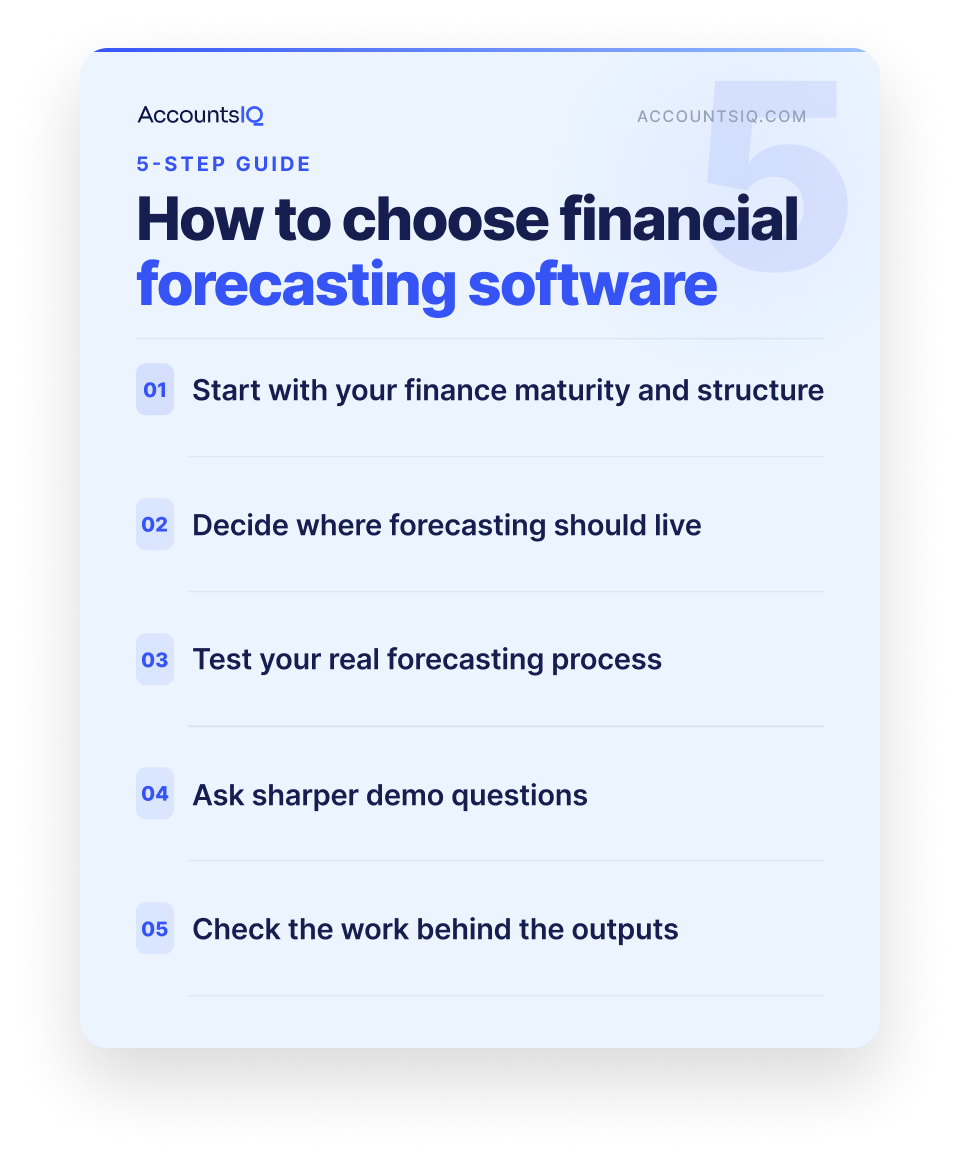
1. Start with your finance maturity and structure
Before comparing demos, write down what the software needs to handle.
Ask:
- How many entities, currencies, departments, or locations need to be included?
- Who owns the forecast, and who contributes to it?
- How often does leadership need an updated view?
- What reports need to come out of the process?
- What information needs to be local, group-level, or board-ready?
- What would break if the business doubled in size?
This avoids buying for where the finance team was two years ago, or overbuying for complexity it doesn’t actually need.
2. Decide where forecasting should live
This is the core trade-off.
A specialist forecasting tool can be a good fit when modelling depth is the priority. But if finance already spends time moving numbers between systems, checking reports, or reconciling outputs, another standalone platform can create more work behind the scenes.
A useful test is:
Where should the forecast live so finance can maintain it, trust it, and explain it without extra reconciliation?
For some teams, that answer will be a dedicated FP&A platform. For others, it will be the finance system itself.
3. Ask sharper questions in the demo
A demo can make any tool look polished. The real test is how it handles your finance reality.
Ask each vendor:
- How does the tool connect to our accounting, ERP, or finance system?
- How are multi-entity, multi-currency, and intercompany structures handled?
- Can we build scenarios around the drivers that matter to our business?
- How easy is it to update assumptions without rebuilding the model?
- Can finance produce board-ready reports without heavy export work?
- What does implementation involve, and who needs to be involved internally?
- What support is available after go-live?
- How does pricing change as users, entities, or functionality increase?
The strongest choice should make forecasting clearer. If a tool gives finance better-looking outputs, but creates more work behind the scenes, it’s worth challenging whether it’s the right fit.
Where AccountsIQ fits
AccountsIQ is built for mid-market finance teams that need more than entry-level accounting software, but don’t want the cost, complexity, or implementation weight of a full ERP.
For forecasting, the advantage is simple: planning sits closer to the numbers finance already works with. AccountsIQ brings accounting, consolidation, budgeting, reporting, dashboards, and forecasting together in one cloud finance system, so teams aren’t managing another disconnected planning layer.
💡 Book a demo to explore whether AccountsIQ is the right fit for your team.
FAQs: Financial forecasting software
What is the best financial forecasting software?
The best financial forecasting software depends on your business size, finance structure, and planning needs.
Small businesses may suit lightweight forecasting tools, specialist FP&A teams may need standalone planning platforms, and mid-market multi-entity finance teams often benefit from forecasting built into the finance system.
What’s the difference between budgeting and forecasting?
Budgeting sets the financial target for a period. Forecasting updates the expected outcome as performance, timing, and assumptions change.
What is three-way forecasting?
Three-way forecasting connects the P&L, balance sheet, and cash flow statement. It helps finance teams see how profit, working capital, funding, and cash movement affect the wider financial position.
Can I do financial forecasting in Excel?
Yes, Excel can work well for financial modelling, especially in smaller or simpler businesses. But as forecasting becomes more collaborative, recurring, or group-level, dedicated software can give finance more structure, control, and visibility.